The training video explains how to use the sensor scanner screen on a ship. The sensor officer can scan outside the ship to gather information about other vessels, such as the number of ships, crew, and weapons. Users type what they want to scan for, click the scan button, and the results are displayed, ranging from “none detected” to specific weapon details. Any critical information should be communicated to the captain or admiral. Crew members are encouraged to experiment with scans freely, as failed scans do not cause any harm to the system.
The video explains how the engineering station at the Discovery Space Center works, focusing on managing fusion reactor efficiency and routing power through reactor relays. Engineers adjust efficiency to balance power output and reactor safety, and they follow instructions from command staff to toggle relays that send power to different ship systems. On some ships, they also use physical engineering panels where they follow written instructions to manipulate switches and wiring.
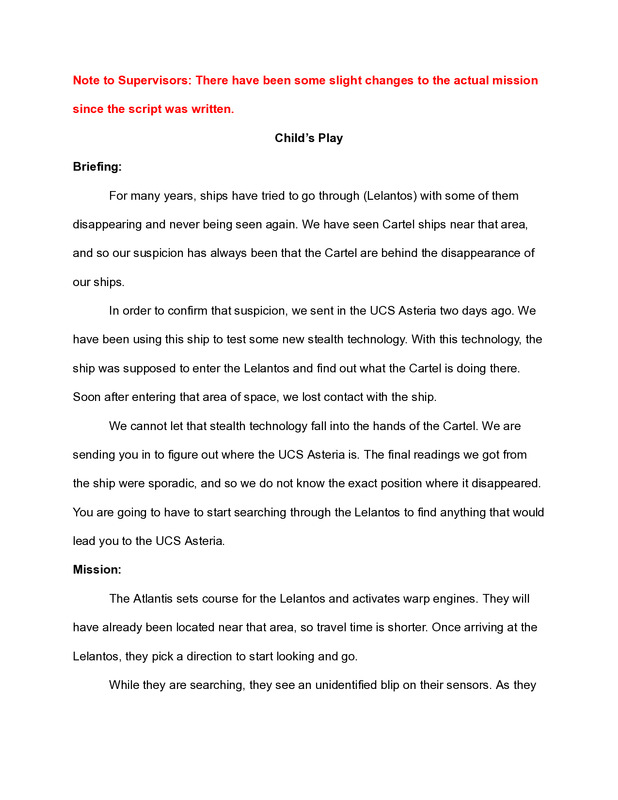
This PDF outlines a mission script for Discovery Space Center Supervisors in which a crew investigates the disappearance of the UCS Asteria and becomes trapped inside an advanced alien testing facility disguised as a space mission. The scenario unfolds over three escalating stages—physical combat, mental riddles under threat, and a strategic maze—designed to test teamwork, leadership, problem-solving, and ethical decision-making under pressure. The mission culminates in a moral dilemma and coordinated technical challenge, emphasizing supervision skills, crew coordination, and adaptability in high-stress, story-driven environments.
The site “Discovery Supervisors” provides a collection of training resources for people working as supervisors — including mission scripts, station computer trainings, basic vocabulary references, and video tutorials. It’s designed to help new or developing supervisors learn the skills they need and offers updates over time for ongoing support.
The Voyager was to be a multi-universe simulator. My goal at opening was to use the Voyager for outer space, ocean, inner body, and atomic scale missions. You can see those mission elements in the first logo.
Star: For outer space missions
Waves: For ocean (submarine) missions.
Atom: for inner space missions (body and atomic scale)
Flame: Represents the light of education