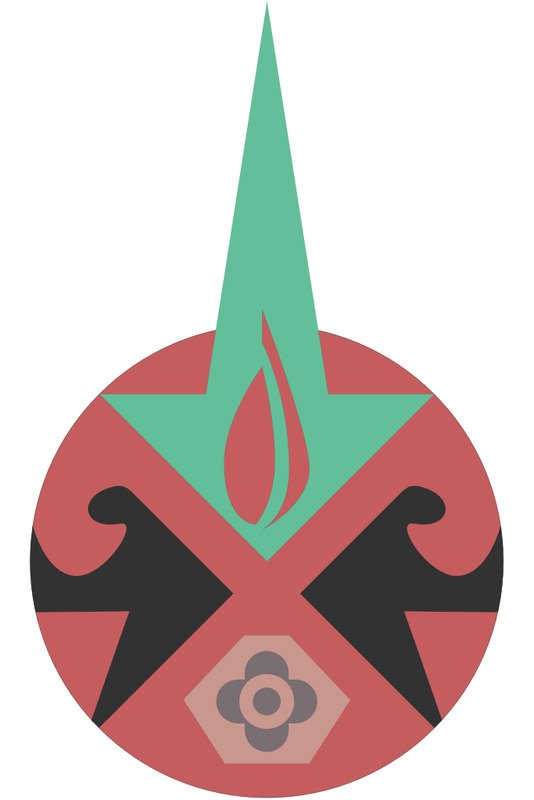
The Voyager was to be a multi-universe simulator. My goal at opening was to use the Voyager for outer space, ocean, inner body, and atomic scale missions. You can see those mission elements in the first logo.
Star: For outer space missions
Waves: For ocean (submarine) missions.
Atom: for inner space missions (body and atomic scale)
Flame: Represents the light of education
The video provides a guided tour of the Stonegate facility, focusing on the layout of the various ship areas, control rooms, and common spaces used during missions. It walks through key locations including the Galileo room, ship transporters and bridges, control rooms for Atlantis, Endeavor, Challenger, and Colombia, as well as outdoor areas like the grove. The tour also highlights practical spaces such as bathrooms, kitchens, reception rooms, and large rooms used for away missions like the dance studio and stage. Viewers are reminded of restricted areas, emergency exits, and navigation tips to help them move confidently through the building. Staff members and directors are available for assistance if questions arise.
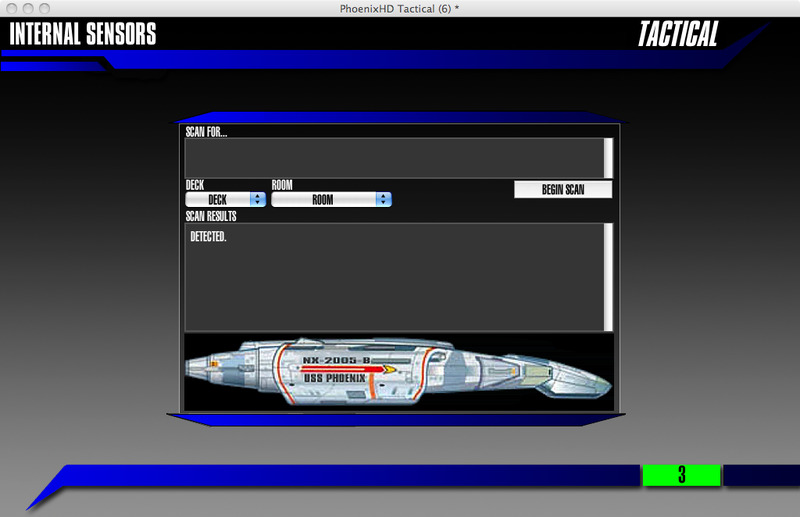
This is the Phoenix Tactical Station Circa 2011. This station was built in Revolution, and ran on a Macintosh Laptop (mid 2008). This station was programmed by Alex Anderson.
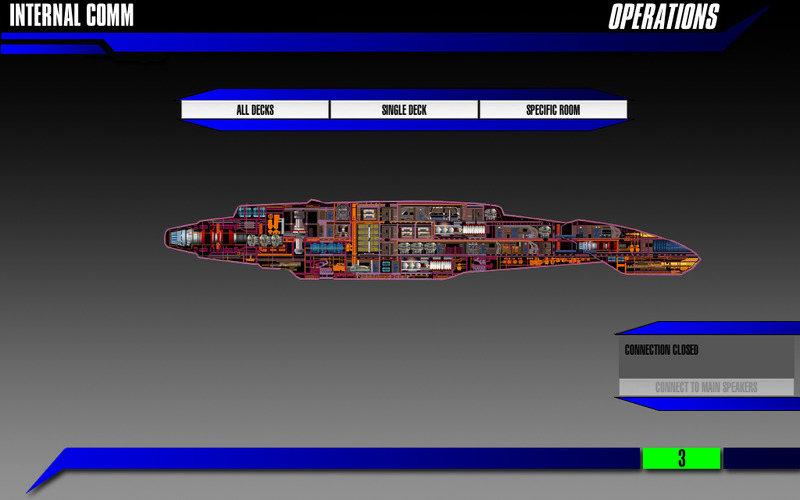
This is the Phoenix Operations Station Circa 2011. This station was built in Revolution, and ran on a Macintosh Laptop (mid 2008). This station was programmed by Alex Anderson.
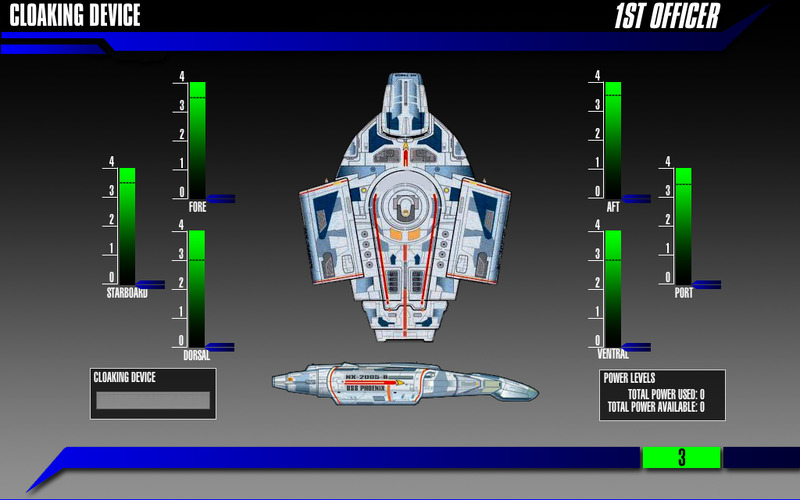
This is the Phoenix 1st Officer Station Circa 2011. This station was built in Revolution, and ran on a Macintosh Laptop (mid 2008). This station was programmed by Alex Anderson.
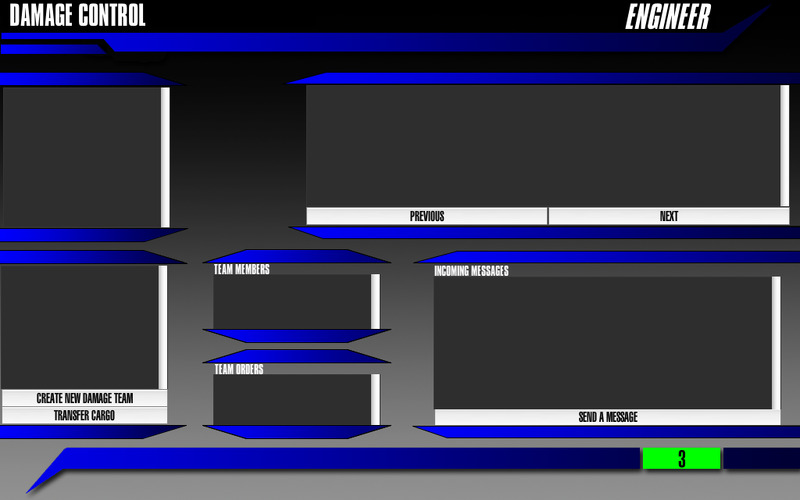
This is the Phoenix Engineering Station Circa 2011. This station was built in Revolution, and ran on a Macintosh Laptop (mid 2008). This station was programmed by Alex Anderson.
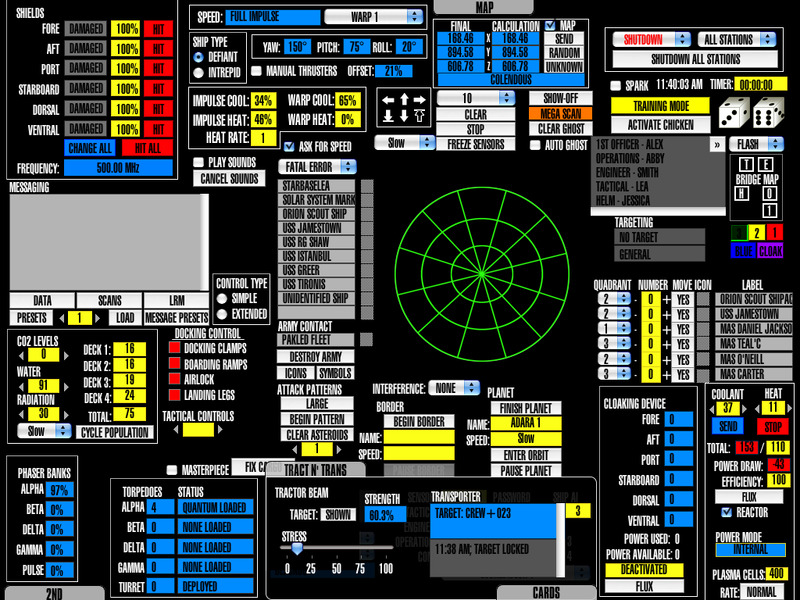
This is the Phoenix Core Controls Circa 2011. The Core and 2nd Chair controls were built in Revolution, and ran on macintosh computers. These stations were programmed by Alex Anderson.
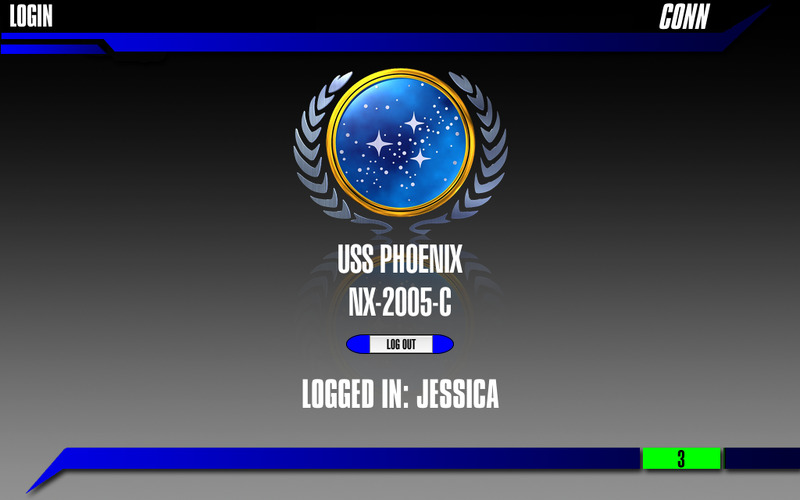
This is the Phoenix Conn Station Circa 2011. This station was built in Revolution, and ran on a Macintosh Laptop (mid 2008). This station was programmed by Alex Anderson.
The video explains how to create non-damage report documents for various station officers using the second-chair computer. It demonstrates where the reports are stored, how to access them, and what elements to include—such as the officer’s name, clear purpose, and actionable steps that match the tools available on their computers. The instructor emphasizes keeping reports simple, accurate, properly formatted, and free of unnecessary graphics that waste ink. Additionally, the video highlights the value of cross-department steps, allowing officers to collaborate with engineering, communications, or damage control. Overall, the training encourages concise, useful reports that keep crew members engaged during slower parts of a mission.
This training video explains how to operate the second-chair computer used by supervisors in the control room during missions. It walks through each interface section, including messaging with damage control, medical, and security teams, updating damaged systems, sending scan responses, and managing communications. The instructor emphasizes professionalism, clear spelling, use of all caps, and avoiding punctuation or emoticons to prevent system errors and maintain a military tone. The video also covers creating “second stories” to keep crew members engaged without distracting from the main mission. Additional tools such as parts transfers, probe commands, long-range messaging, and thruster monitoring are explained so supervisors can support the crew effectively and relay critical information to the flight director.